
Your first conversation
Your number is live and your AI teammate is answering. Now let’s prove it — with two quick tests you run yourself, using your own phone. In a few minutes you’ll see a call land in your call list, and a text come back as a draft reply you approve and send. The call’s recording, transcript and summary appear once you’ve turned on Call recording.
Call your own number
Section titled “Call your own number”Pick up your phone and call your business number, exactly the way a Contact would. Let your teammate greet you, say a sentence or two, then hang up.
Give it a moment to wrap up, then open Calls from the sidebar and choose the Call Activity tab. Your test call is at the top of the list.
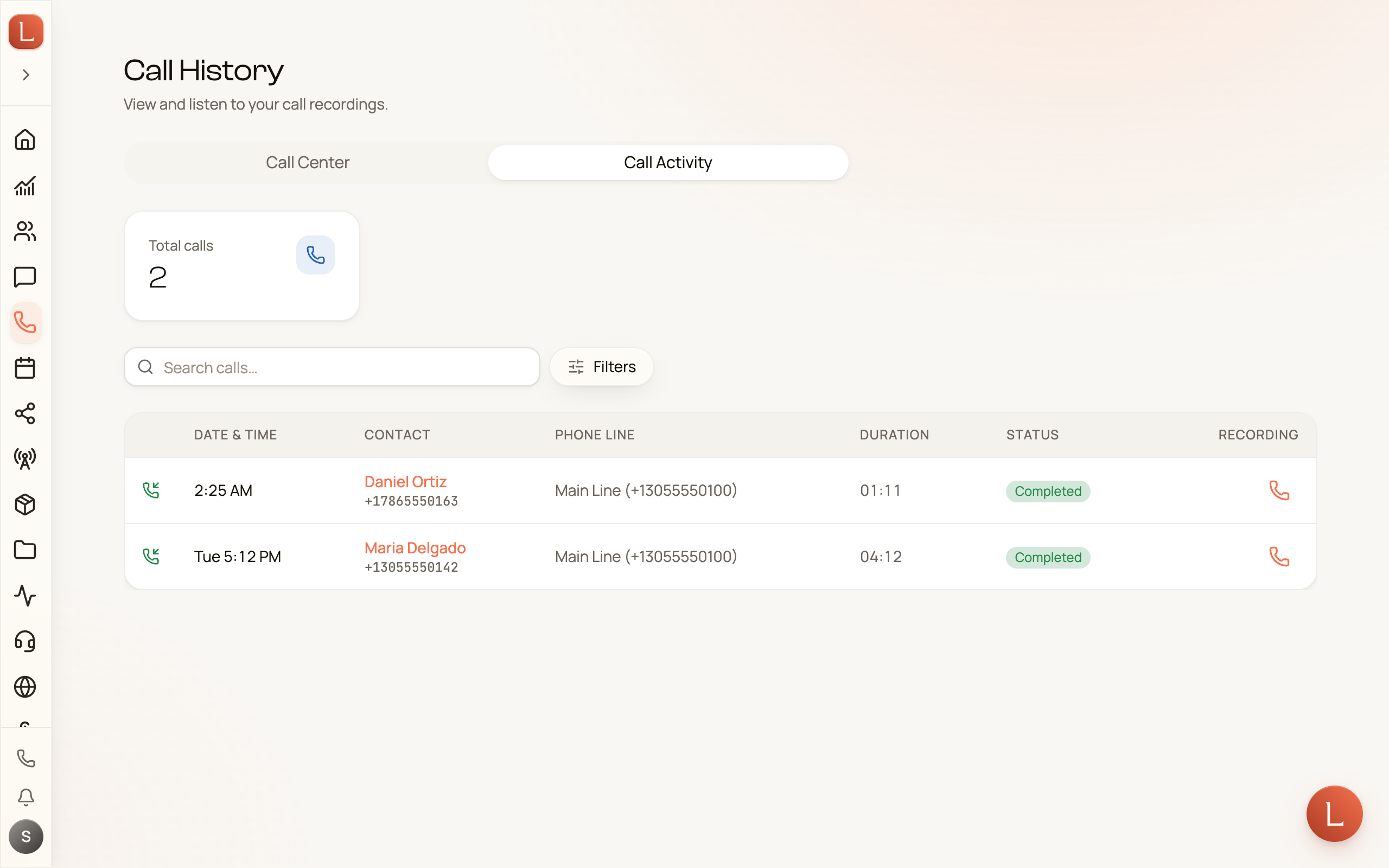
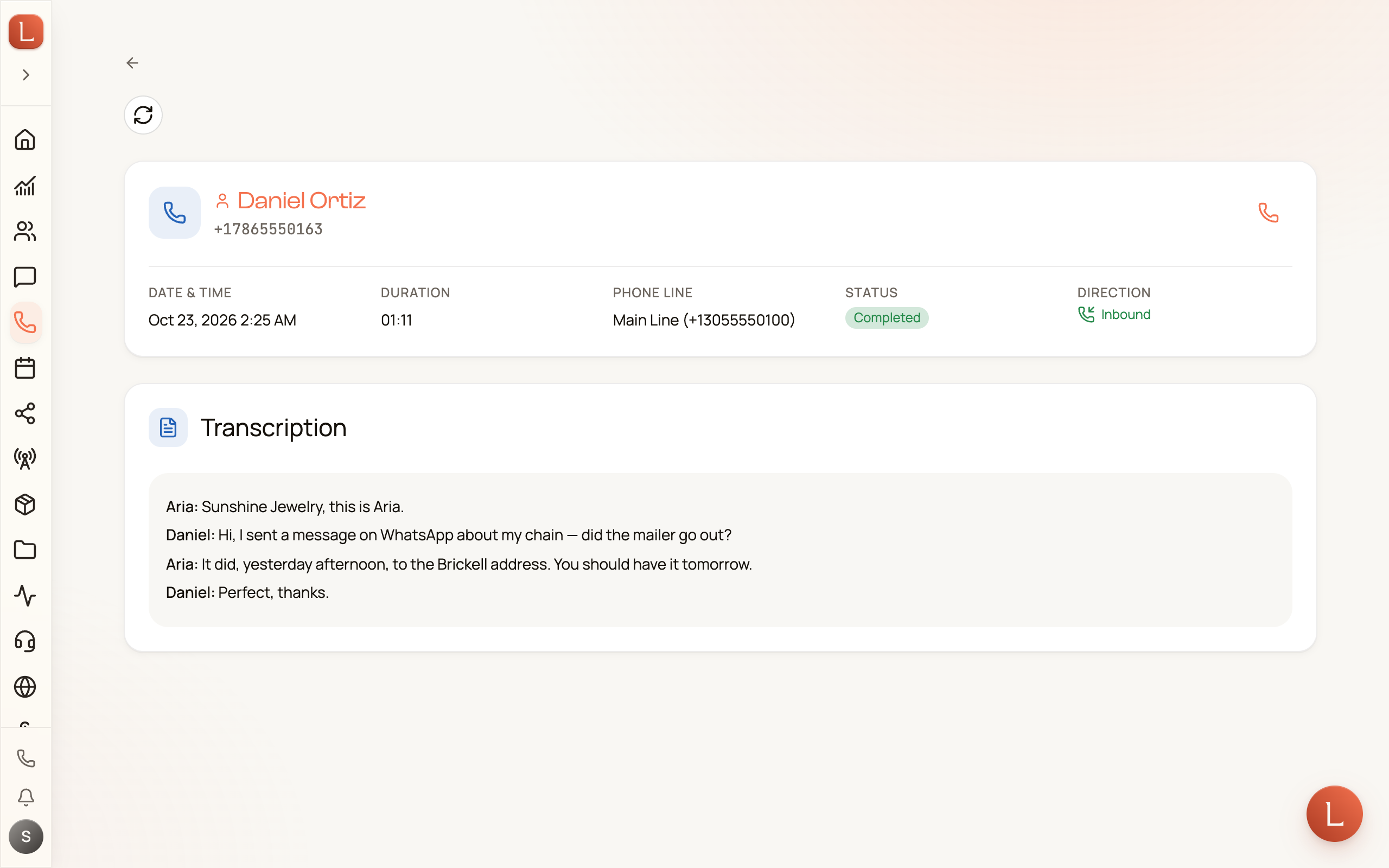
If you turned on Call recording (Check your recording settings), open the call to see the whole thing in one place: the recording you can play back, a written transcript of what was said, and a short AI-written summary of how it went. With recording off, a call your teammate answers shows its basic details only.
Text your number and watch the drafts arrive
Section titled “Text your number and watch the drafts arrive”Now send a text to the same number — ask a real question a Contact might ask, like your hours or your prices.
Open Messaging from the sidebar. Your text shows up as a new conversation, and your teammate reads it and prepares a reply. It doesn’t send on its own: by default your team works in Suggest mode, so it drafts and waits for you.
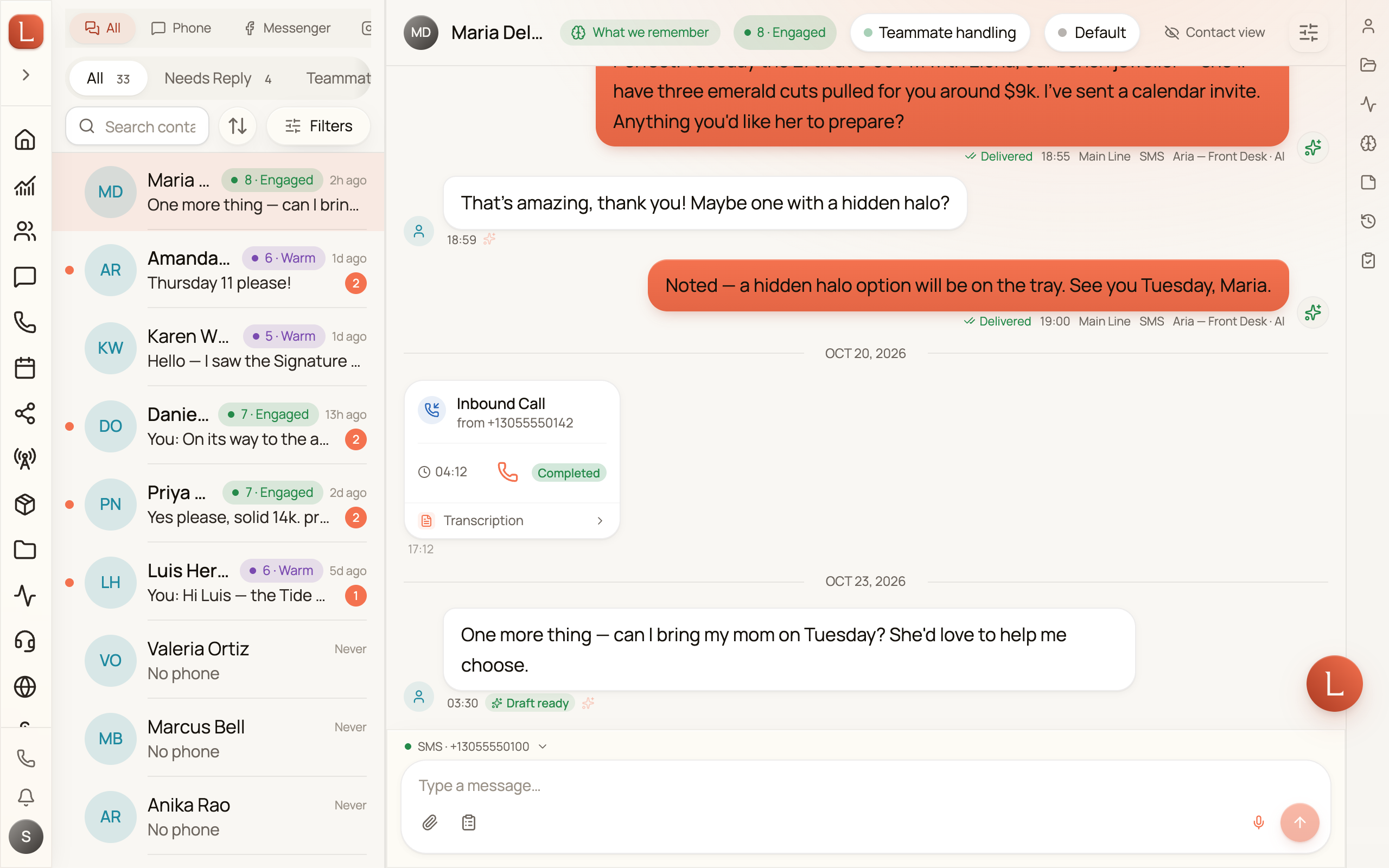
Open the conversation. Under the incoming text you’ll see the reply your teammate wrote, marked “Draft ready”, in a card headed “Your AI teammate drafted a reply”.
Pick a draft, edit it, send it
Section titled “Pick a draft, edit it, send it”This is the moment the whole product turns on — you stay in control, and the work is already done.
-
Pick the draft. Tap the reply your teammate suggested. It drops into the message box, ready to go.
-
Edit if you want. Change a word, add a line, or leave it exactly as written. Nothing is locked.
-
Send it. Press send, and the reply goes to your Contact from your business number.
You’ve now seen the full loop: a Contact reaches out, your teammate handles the first pass, and you approve what goes out. That’s Loquent working.
What to explore next
Section titled “What to explore next”- Your AI team — who your teammates are and how they divide the work.
- Drafts, approvals, and escalations — how work reaches you and what “needs you” really means.
- Your daily brief on Home — where every morning starts: what needs you, what your team already handled, and what’s next.
Adding teammates, connecting more channels, and teaching your team about your business are all documented soon — you’ll find them as your account fills out.