
Meet your AI team
The first time you sign in, Loquent wants to get to know you. A short, friendly interview, a team that’s already waiting for you, and a business profile to fill in — that’s all it takes for your AI teammate to start sounding like your business instead of a generic robot.
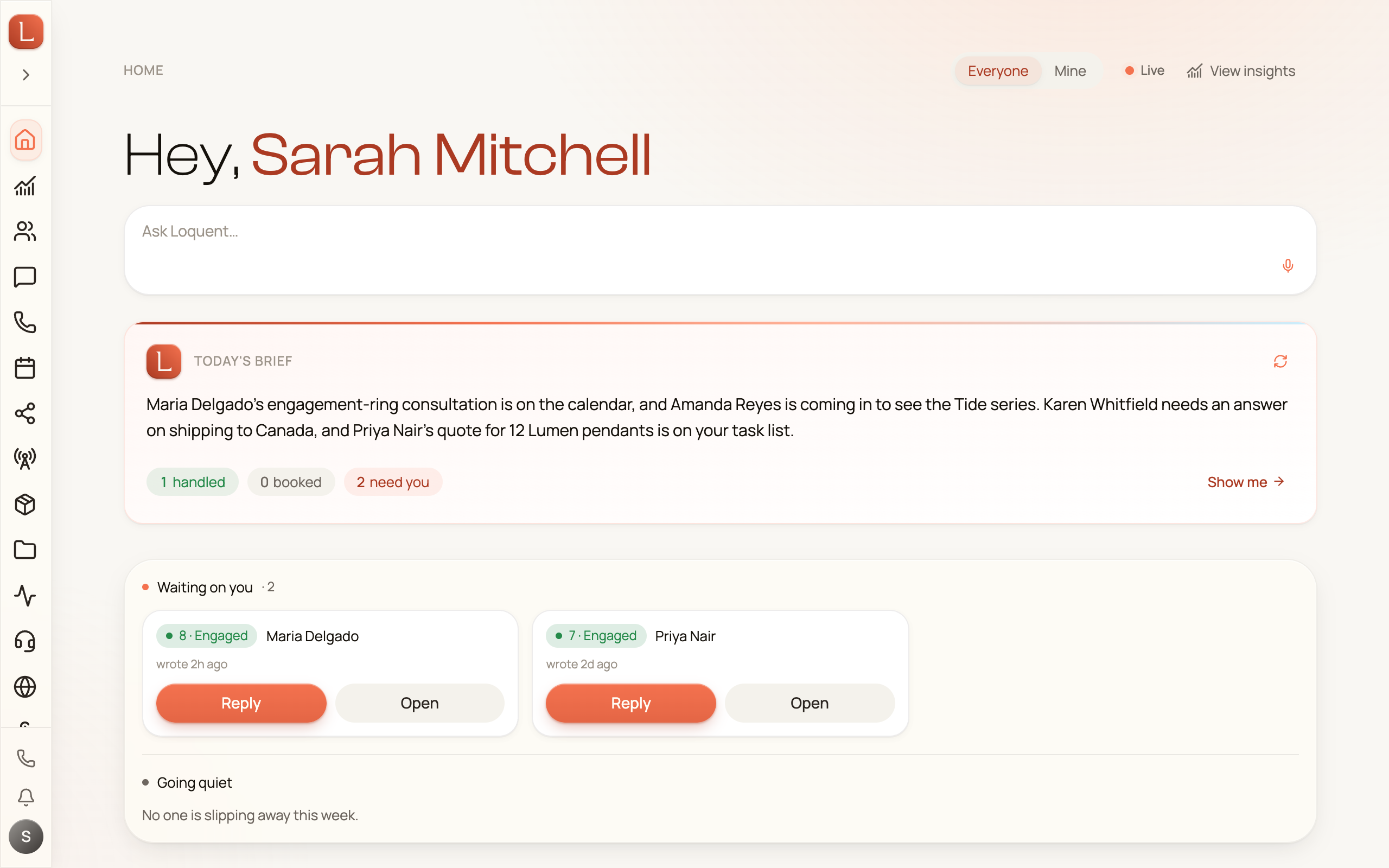
The quick interview
Section titled “The quick interview”Right after your first login, Loquent opens a full-screen chat and says hello. This is the interview: a couple of plain questions so your teammate learns who you are and how you work.
You can start it two ways:
- Tap a role — pick the one that fits, and Loquent asks a few quick follow-ups.
- Describe it yourself — if none of the roles fit, just type what you do in the chat, and your teammate figures out the rest.
There’s no form to fill and nothing is set in stone — you’re simply telling Loquent about your day so it can help with the right things.
The team you start with
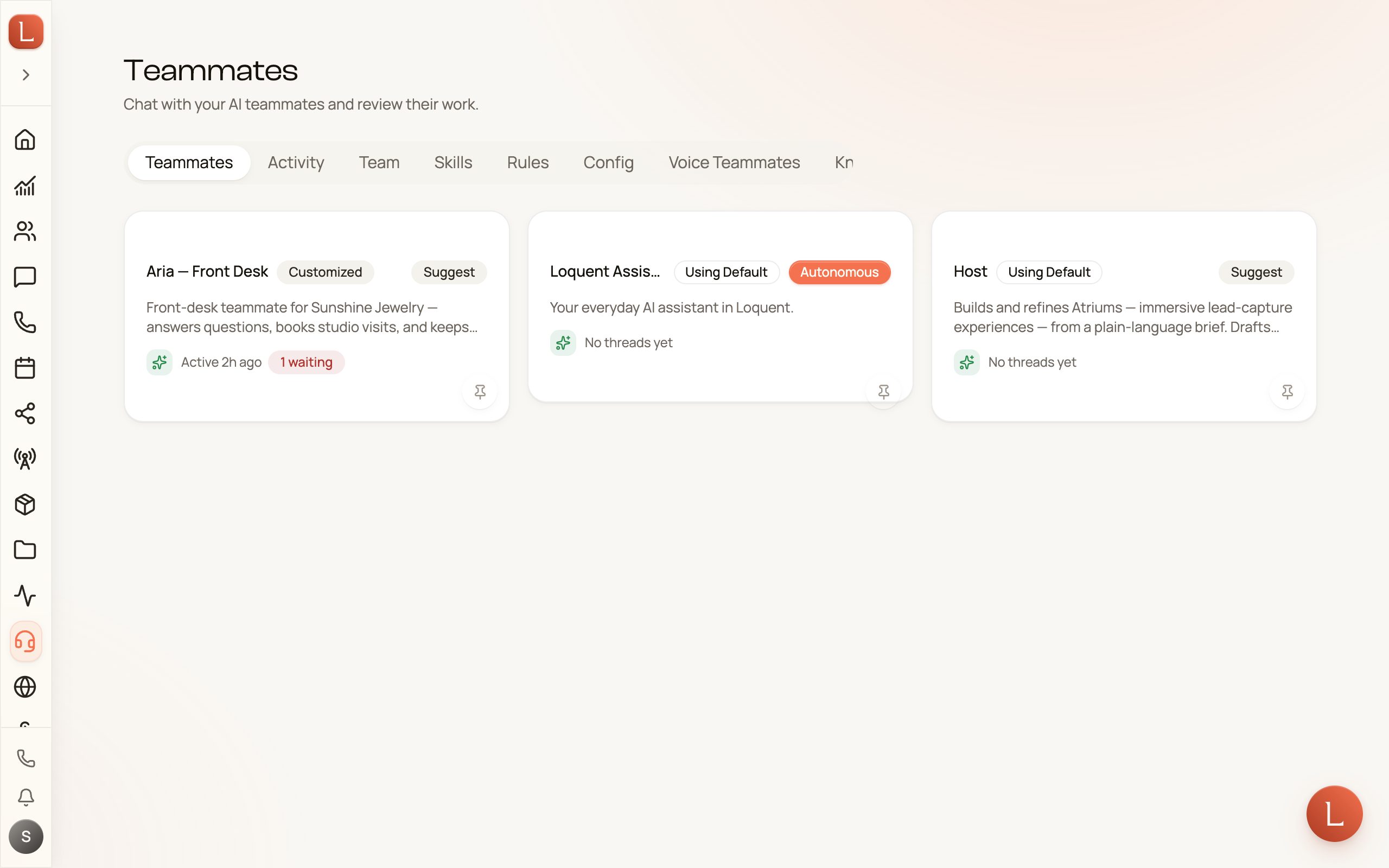
Section titled “The team you start with”You’re never staring at an empty roster. Every account begins with a starting teammate ready to go — in the sidebar it lives under Teammates.
That teammate is your starting point for everything else. You don’t build new teammates by filling out a big setup screen — you just ask. Tell it something like “I need a teammate to answer texts after hours,” and it spins one up for you. Each teammate you gain shows up here as its own card.
Fill in your business profile
Section titled “Fill in your business profile”The last piece is telling Loquent about your business, so your team answers like you would. Open Settings, then Organization, then the General page.
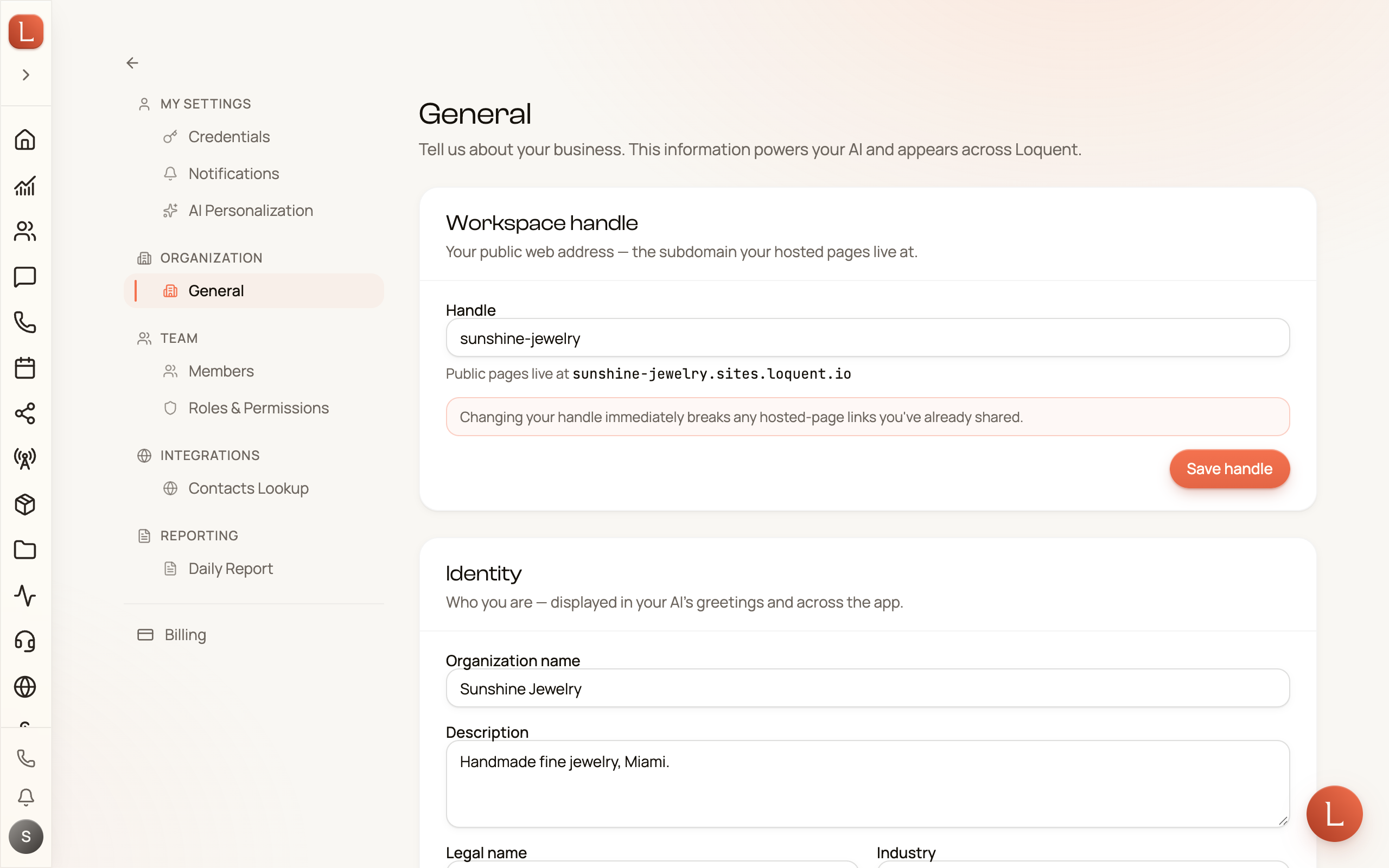
The page is grouped into a few short sections:
-
Identity — your business name, a short description, industry, and what you offer. This is what shows up in your team’s greetings and across the app.
-
Contact & web — how people reach you, your website, and any booking link.
-
Languages & timezone — the language your team speaks by default and the timezone it works in.
-
Operating hours — when you’re open, so your teammates know when to say “we’re closed” and when to jump in.
Fill in what you can and save — you can always come back and add more. The richer this profile, the more your team sounds like your business.
With your team introduced and your profile in place, you’re ready to get your business number so your teammate has a line to answer.