
Get your business number
Your AI teammate needs a phone line to answer. The good news: you can buy one without leaving Loquent — no separate account, no paperwork for most countries. This page walks you through it.
Open the Phone channel
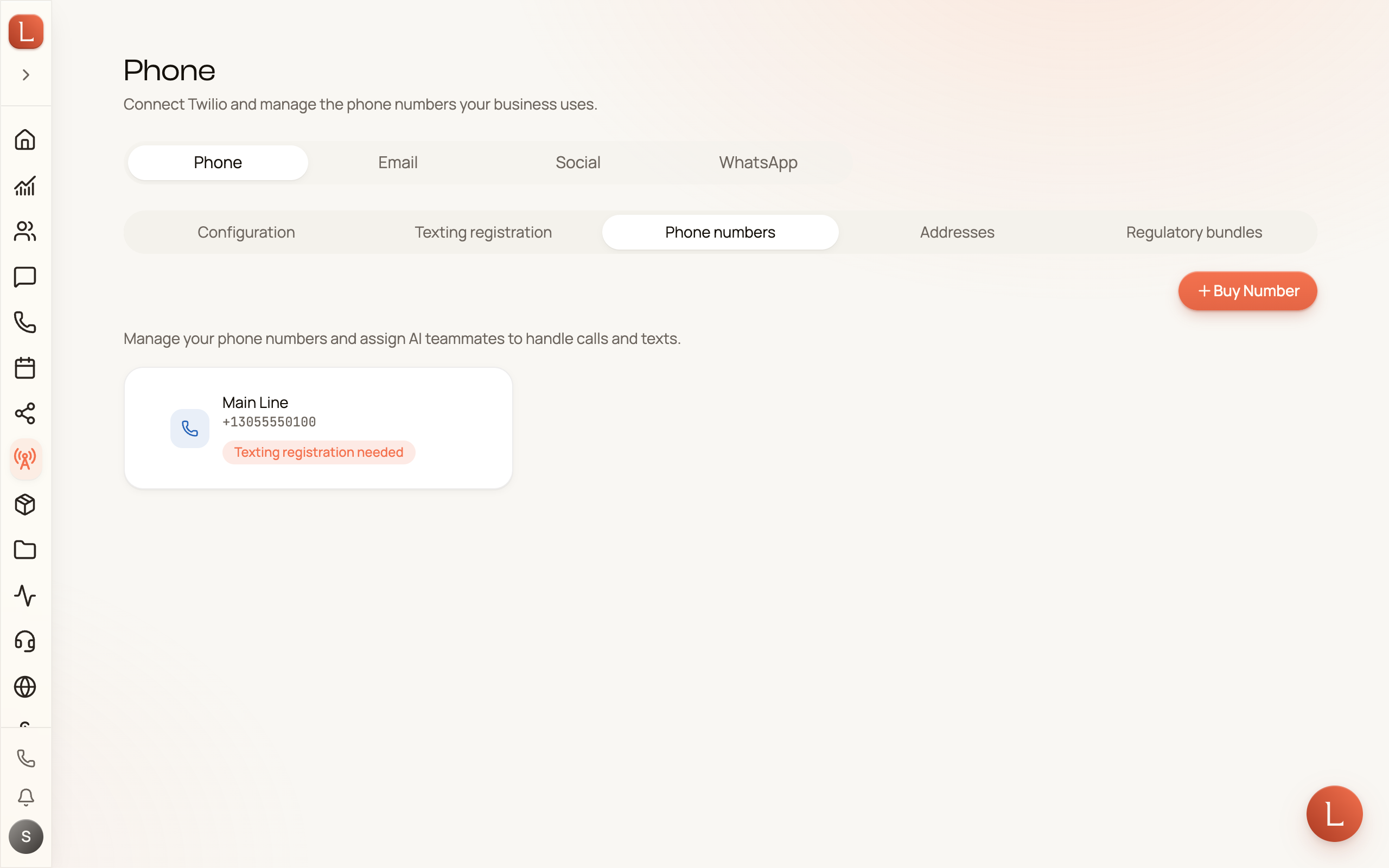
Section titled “Open the Phone channel”In the sidebar, open Channels, then the Phone tab. This is home base for everything about your business lines.
Along the top you’ll see Configuration, Texting registration, Phone numbers, Addresses, and Regulatory bundles. To buy a number, go to Phone numbers and press Buy Number to open the search.
Search for a number
Section titled “Search for a number”-
Pick a country. Loquent defaults to the United States, but you can search any country it offers.
-
Choose a number type. Most businesses want a Local number. Some countries also offer toll-free or other types — pick whichever fits.
-
Narrow it down (optional). Open Advanced filters to search by City, Region, Postal code, or a Contains pattern — handy if you want a memorable ending. For US and Canada numbers you can also enter a three-digit Area code.
-
Press Search numbers. Loquent shows every available number that matches.
Read the results
Section titled “Read the results”Each result card shows the number, its location, and a row of small badges telling you what the line can do:
- Voice — it can take and make phone calls.
- SMS — it can send and receive text messages.
- Fax — it can handle faxes.
For most Loquent setups you want a number with both Voice and SMS, so your teammate can answer calls and text back.
Found the one you want? Press Select on its card.
Confirm and you’re done
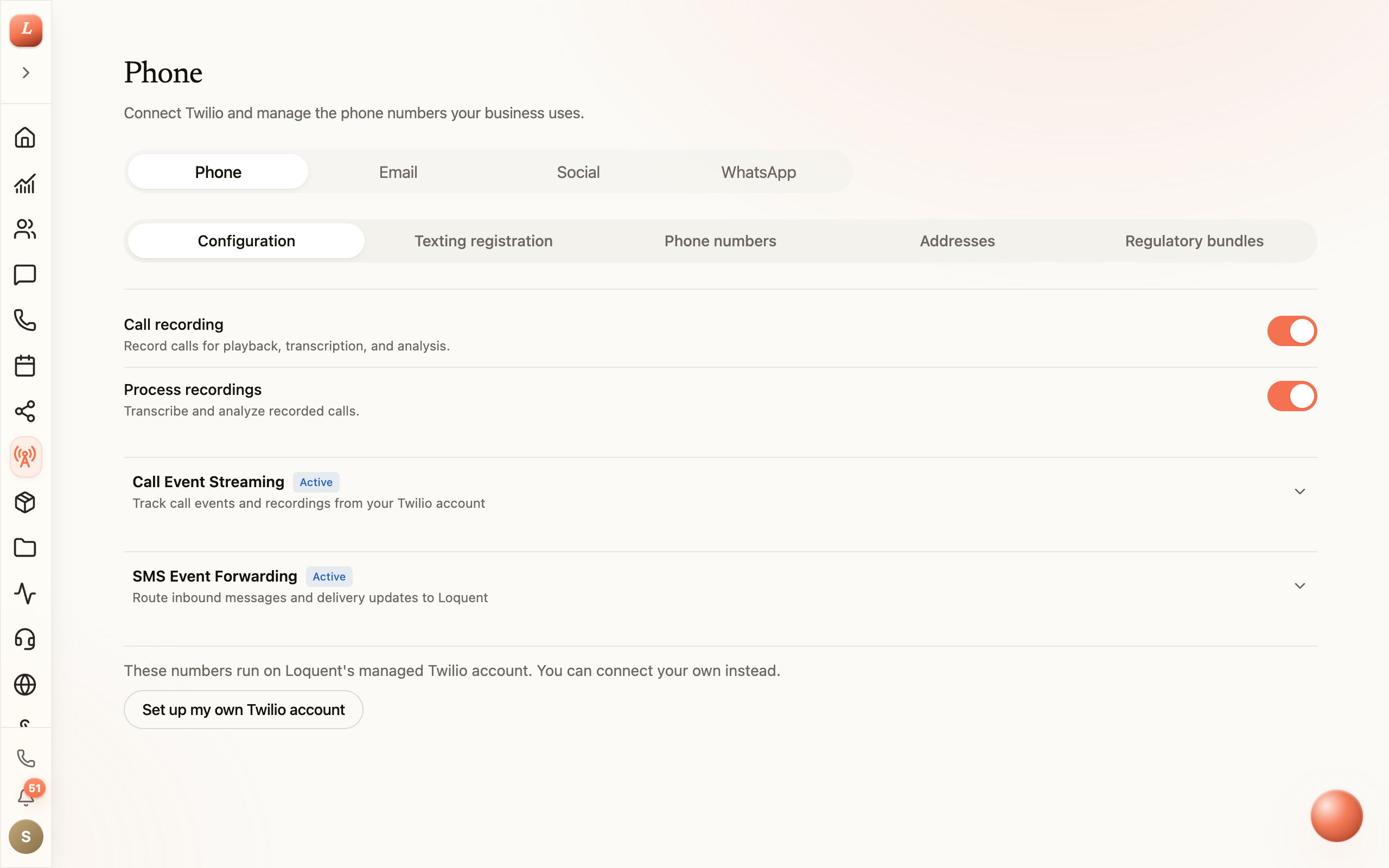
Section titled “Confirm and you’re done”Selecting a number opens a short confirmation. Review it, confirm, and the number is yours — it lands in your Phone numbers list, ready to assign to a teammate.
That last step — putting a teammate on the line — is covered next in Put your teammate on the line.
What some countries ask for
Section titled “What some countries ask for”A handful of countries require a little extra before you can activate a number. If a result carries a Docs required badge, that country’s rules ask for two things:
- An address — a real service address in that country.
- An approved document bundle — a small set of identity or business documents that the phone provider reviews and approves.
You create both from the tabs right next to Phone numbers: Addresses and Regulatory bundles. If you try to buy a regulated number before they’re ready, Loquent points you straight to the tab you need.
Once your number is in hand, head to Put your teammate on the line to have your AI teammate start answering it.