
Call Details
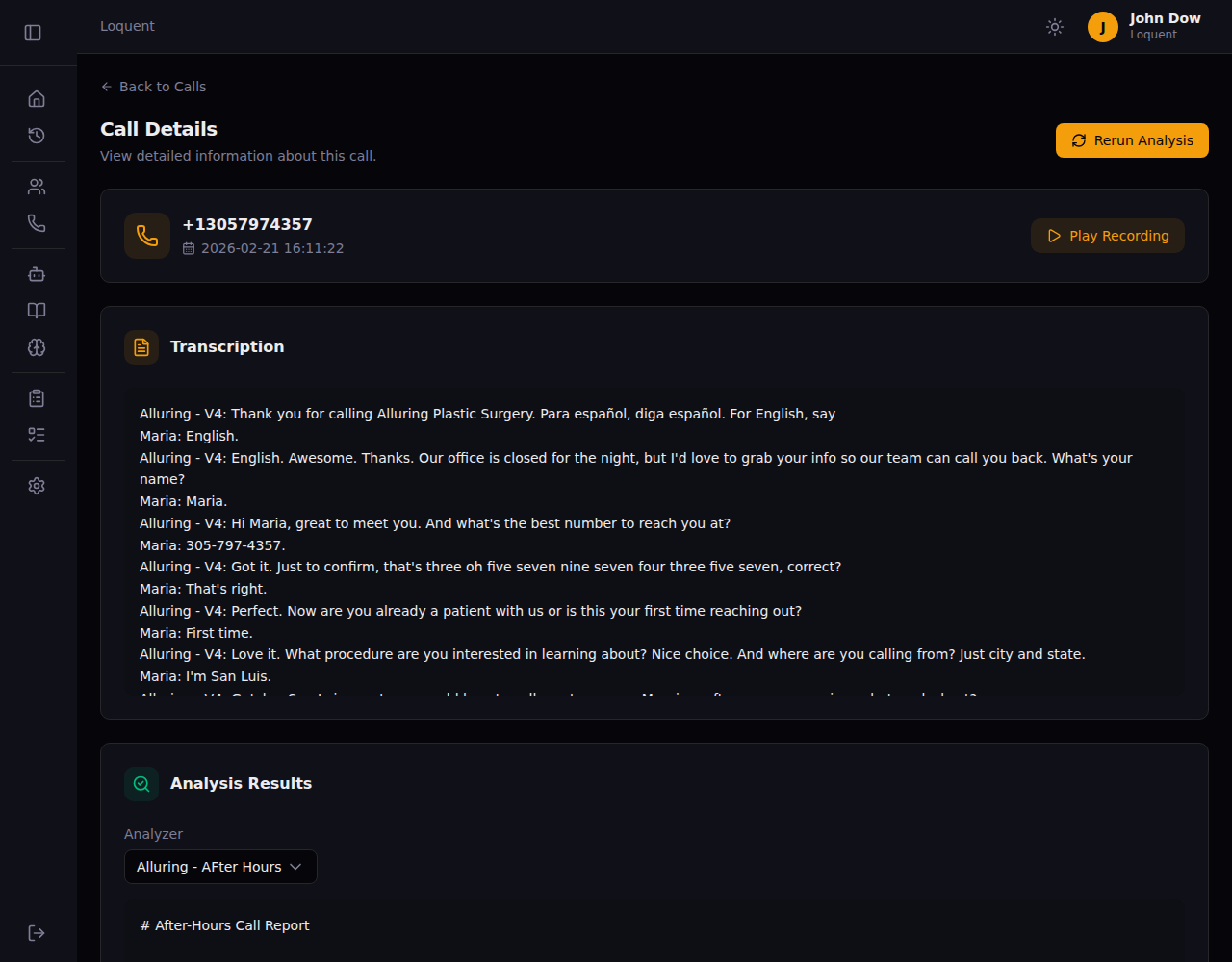
Click any row in the Call History page to open the Call Details page. It shows the phone number, date and time, full transcription, and analysis results from your configured analyzers.
Play the recording
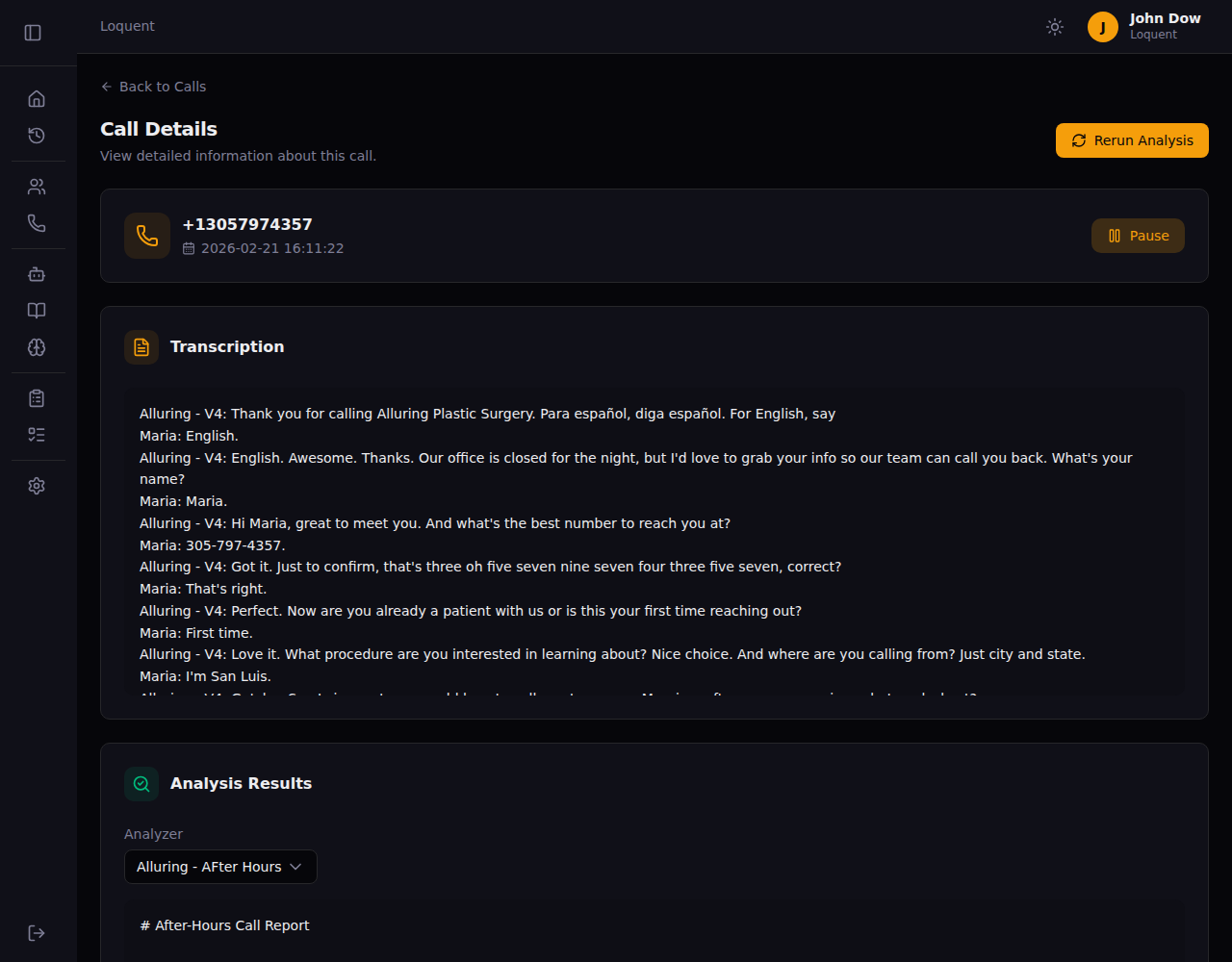
Section titled “Play the recording”Click Play Recording to start the call audio. The button changes to Pause while playing. Click it again to pause.
Read the transcription
Section titled “Read the transcription”The Transcription section shows the full conversation with each speaker labeled — the agent by name and the caller by their name if identified during the call.
Alluring - V4: Thank you for calling. How can I help you?Maria: Hi, I'd like to schedule an appointment.The transcription is generated automatically after the call ends using speaker diarization — no manual action needed.
Review analysis results
Section titled “Review analysis results”The Analysis Results section shows the output from your analyzers. Use the Analyzer dropdown to switch between different analyzers if you have more than one configured.
Each analyzer produces a structured report based on the call transcription — summarizing key points, caller intent, next steps, or any custom criteria you defined.
Rerun analysis
Section titled “Rerun analysis”Click Rerun Analysis to re-process the call through all your configured analyzers. Use this if you updated an analyzer’s prompt and want to see fresh results on a past call.
Related pages
Section titled “Related pages”- Call History — the full list of calls
- Create an Analyzer — set up analyzers to extract insights from calls