
Manage your phone numbers
Channels is where you set up the lines your business runs on — phone, email, and social. Open it from the sidebar, then pick the Phone tab. This is home base for every number your team answers calls and texts on.
If you’re just getting your very first line, start with Get your business phone number instead. This page is for managing the numbers you already have.
Buy another number
Section titled “Buy another number”Need a second line — a separate one for sales, or a local number in another city? On the Phone numbers tab, tap Buy Number. You’ll filter by country, type, and area code, then confirm. The new line appears in your list right away, ready to hand to a teammate.
The list also keeps itself current on its own. A number bought or reconfigured somewhere else — by you on another device, or by your team acting on your behalf — turns up here without you reloading anything, and the Texting registration needed badge on a US number clears itself once that registration goes through. You never need to tap refresh.
Assign a teammate to a line
Section titled “Assign a teammate to a line”A number does nothing until someone answers it. To put your AI teammate on a line:
-
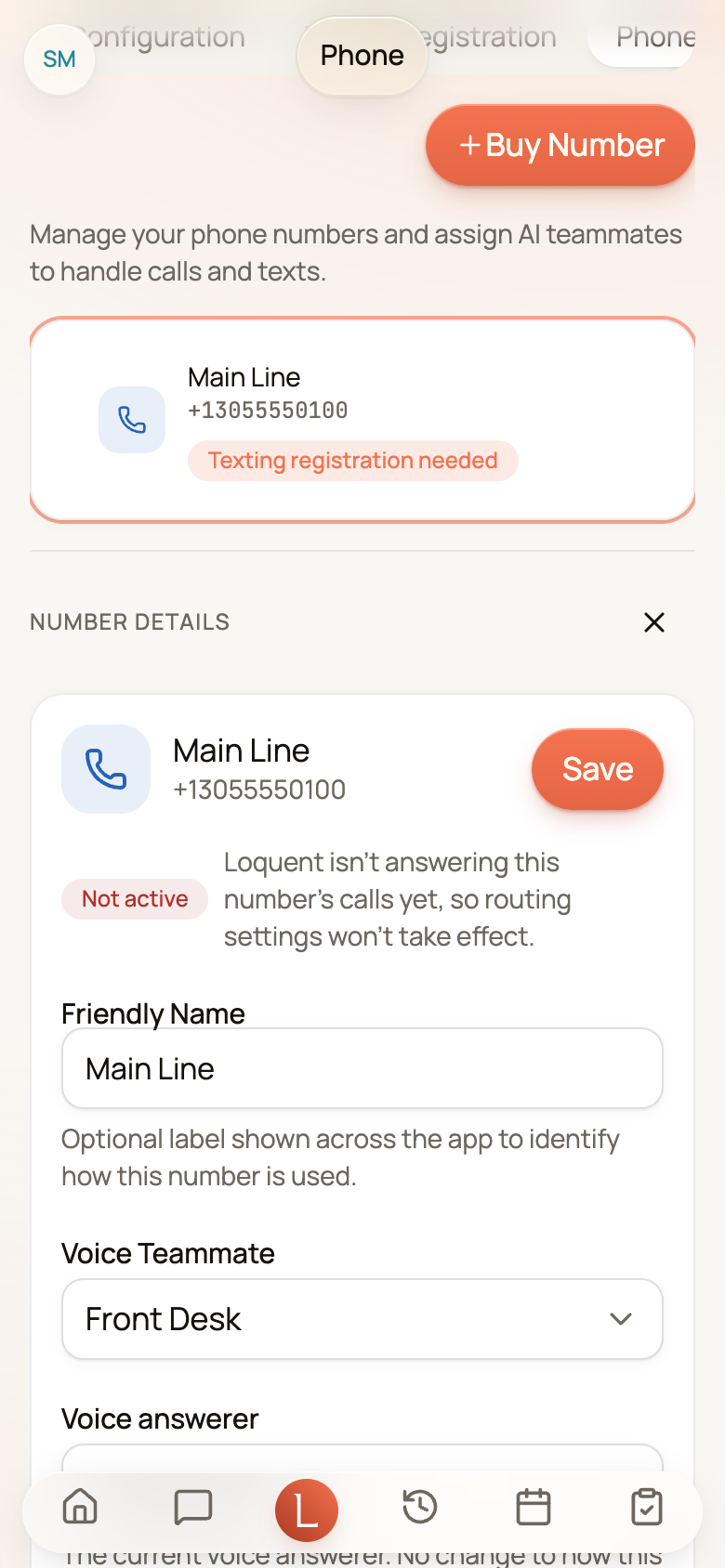
On the Phone numbers tab, tap the number you want to set up. A Number details panel opens beside it.
-
Choose the teammate who should answer calls and texts on that line.
-
Save. From now on, calls and texts to that number reach that teammate — it drafts replies for your approval, and answers the phone in its own voice.
The full walk-through — including voice settings — lives in Put your teammate on the line.
If the number changes while you have its details open — your team reconfigured it, or you edited it on another device — a warning appears reading This number changed while the editor was open, with the line Close and reopen it to load the newer settings before saving. Save stays switched off until you close the panel and open it again. It is there so your save can never quietly overwrite the newer settings.
Turn call recording on or off
Section titled “Turn call recording on or off”The Configuration tab holds two settings that shape what happens after a call. They apply to every number your business has, not to one line.
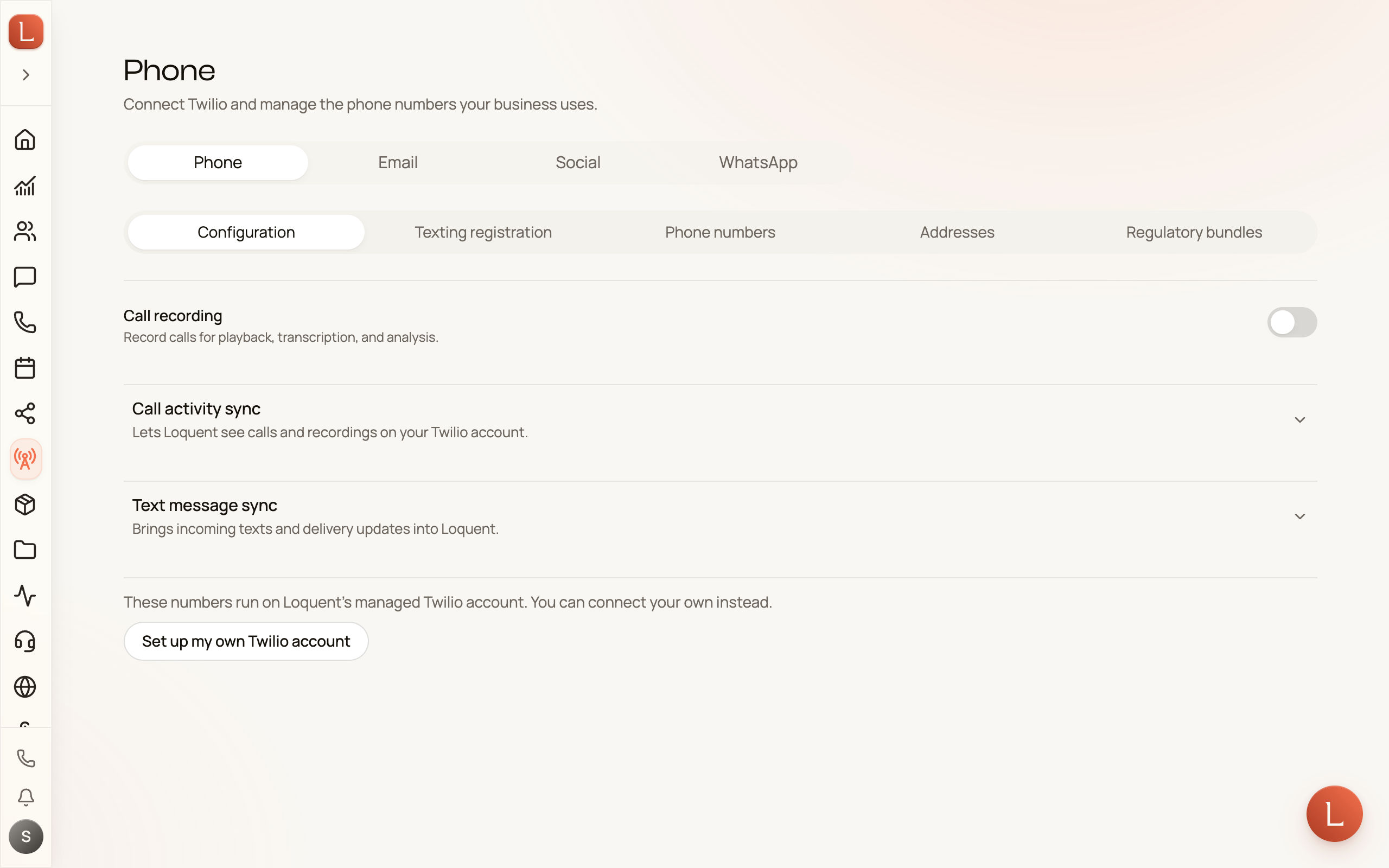
- Call recording — records calls so you can play them back later, and so your team can transcribe and understand them. It starts off for a new business.
- Process recordings — transcribes and analyses each recording, turning a call into a searchable summary you can read at a glance. It appears once Call recording is on.
Switching Call recording on asks you to confirm first. Callers won’t hear that the call is being recorded — Loquent can’t play a recording notice yet — and in some places everyone on a call must be told before it is recorded. If you turn recording on, telling your callers is up to you. Choose Turn on recording to go ahead, or Keep it off to leave it off. Switching it off needs no confirmation.
With recording off, the calls your teammate or your team answer still land in your call history, without audio, a transcript or a summary. A message a caller leaves after the beep, when your teammate can’t pick up, is still kept, with its transcript and summary unless you turned Process recordings off while recording was on.
Regulatory bundles
Section titled “Regulatory bundles”Some countries require an identity check and supporting documents — a regulatory bundle — before you can buy a number there. The Regulatory bundles tab is where you submit one. Tap New bundle, fill in the details, and attach it when you buy a number in that country. You’ll see its status move from draft to approved as it’s reviewed.
Bring your own provider
Section titled “Bring your own provider”Most Leaders never touch this. But if you already run your own phone provider account, the Configuration tab lets you connect it instead of using Loquent’s — your existing numbers and billing stay where they are, and your team answers on top of them.
Once your lines are set, every call and text flows into one place per Contact — see how in Contacts, conversations, and channels.