
Your business profile
Your AI teammate can only speak for you as well as it knows you. The business profile is where you tell it the essentials — your name, how people reach you, when you’re open, and what language to greet a caller in. Fill it in once and every teammate draws on it, in every greeting and every reply.
You’ll find it under Settings → Organization → General.
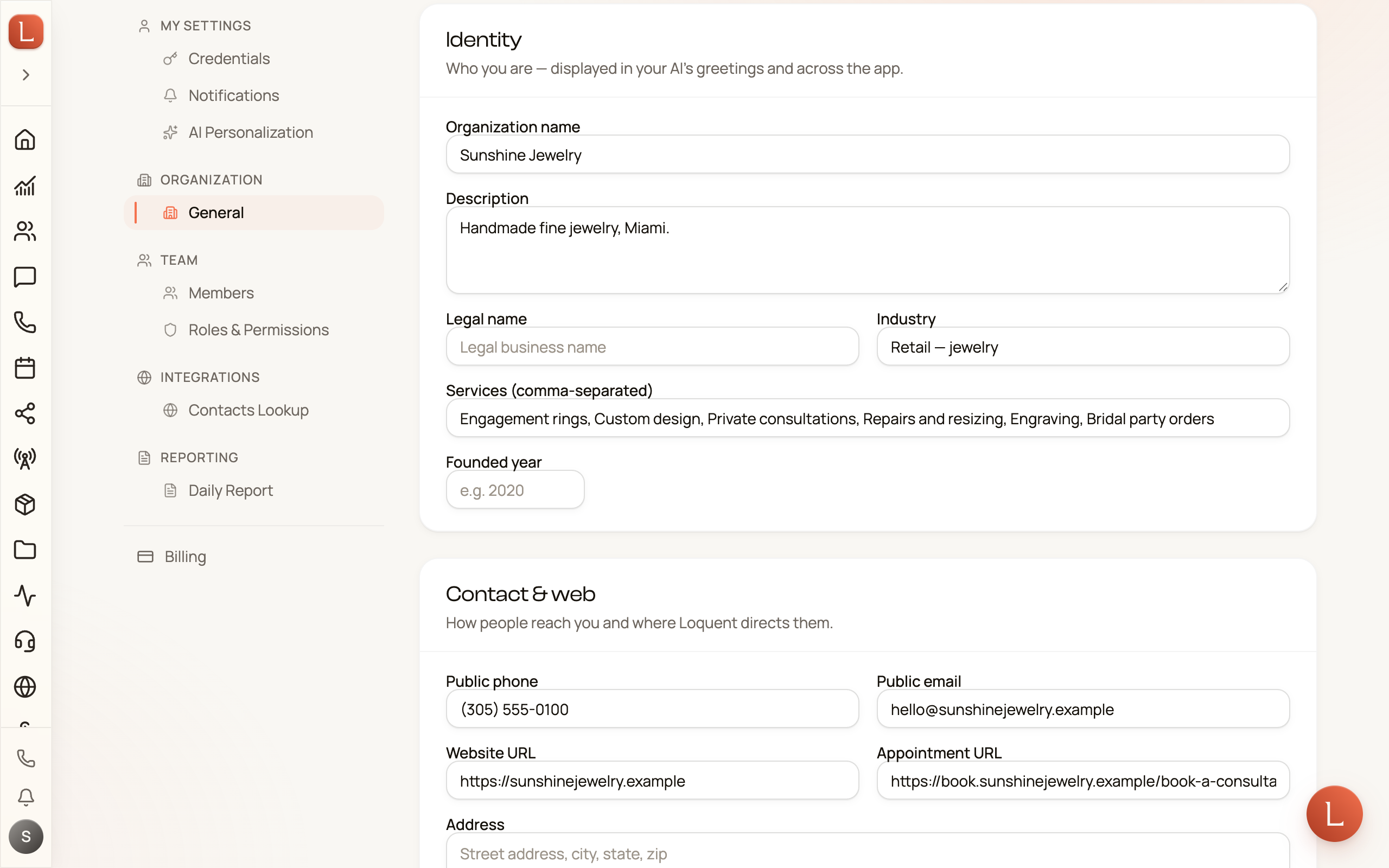
What’s on the page
Section titled “What’s on the page”The profile is grouped into a few cards. Fill in what’s relevant — none of it is locked, so you can come back and refine any time.
- Identity — who you are. Your business name and the details that show up in your team’s greetings and across the app.
- Contact & web — how people reach you and where Loquent points them: your address, website, and public contact details.
- Languages & timezone — the language your team speaks by default, and the timezone it works in. This is what a teammate uses when it first greets a caller.
- Social links — profiles your team can mention or share when it helps a Contact.
- Operating hours — when you’re open. These hours guide your team and set the default schedule for routing phone calls to your people.
- Branding — your logo and accent color, shown on public intake forms so they look like you, not like Loquent.
Fill it in
Section titled “Fill it in”-
Start with Identity. Your name is the single most-used field — it’s in nearly every greeting your team writes.
-
Add your hours and language. These shape how a teammate answers: the right greeting, in the right language, and whether it’s inside business hours.
-
Tap Save profile. The button sits at the bottom of the page. Your changes take effect right away, so the next call or message your team handles already reflects them.
This profile is the business-wide foundation. To go deeper on how a single teammate speaks — its persona, its voice — you’ll shape that by chatting with it, covered in the Directing your AI team pages.
Next, bring in colleagues under Invite your people, or see how your team turns this context into replies in Meet your AI team.