
Chat with a teammate
The fastest way to direct your AI team is to talk to it. Instead of hunting for the right form, you open a teammate and tell it — in plain words — what you want done. It works, asks when it needs you, and shows you what it plans to do. This page is how you start that conversation.
Find your team
Section titled “Find your team”Open Teammates from the sidebar. Every teammate you have shows up as a card — your front-desk teammate, your sales teammate, your support teammate, and your Loquent Assistant, which creates new ones for you.
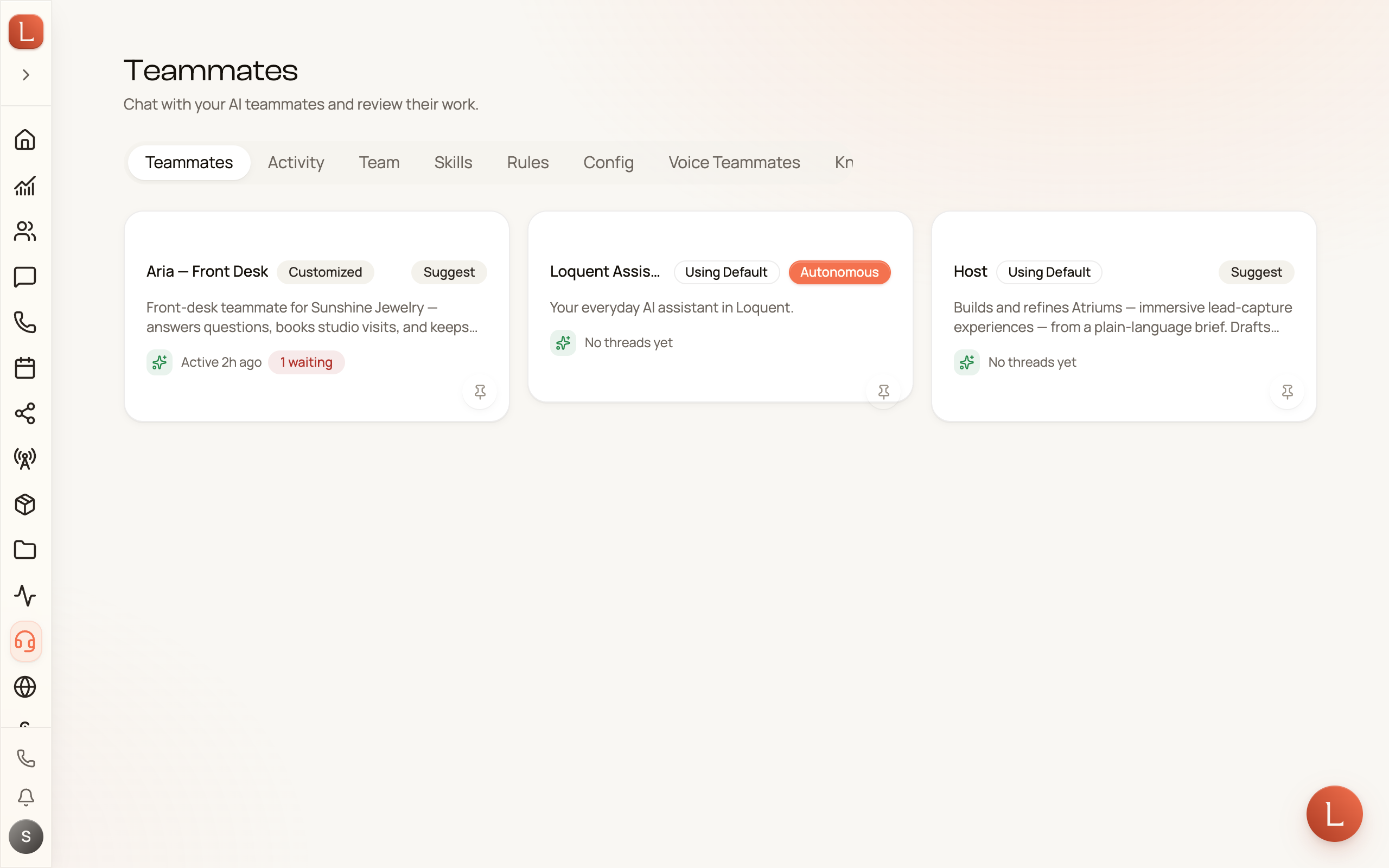
Tap a card to open that teammate. You land on its Home tab — its control room — with a Threads button and a New Thread action in the top-right corner.
Start a thread
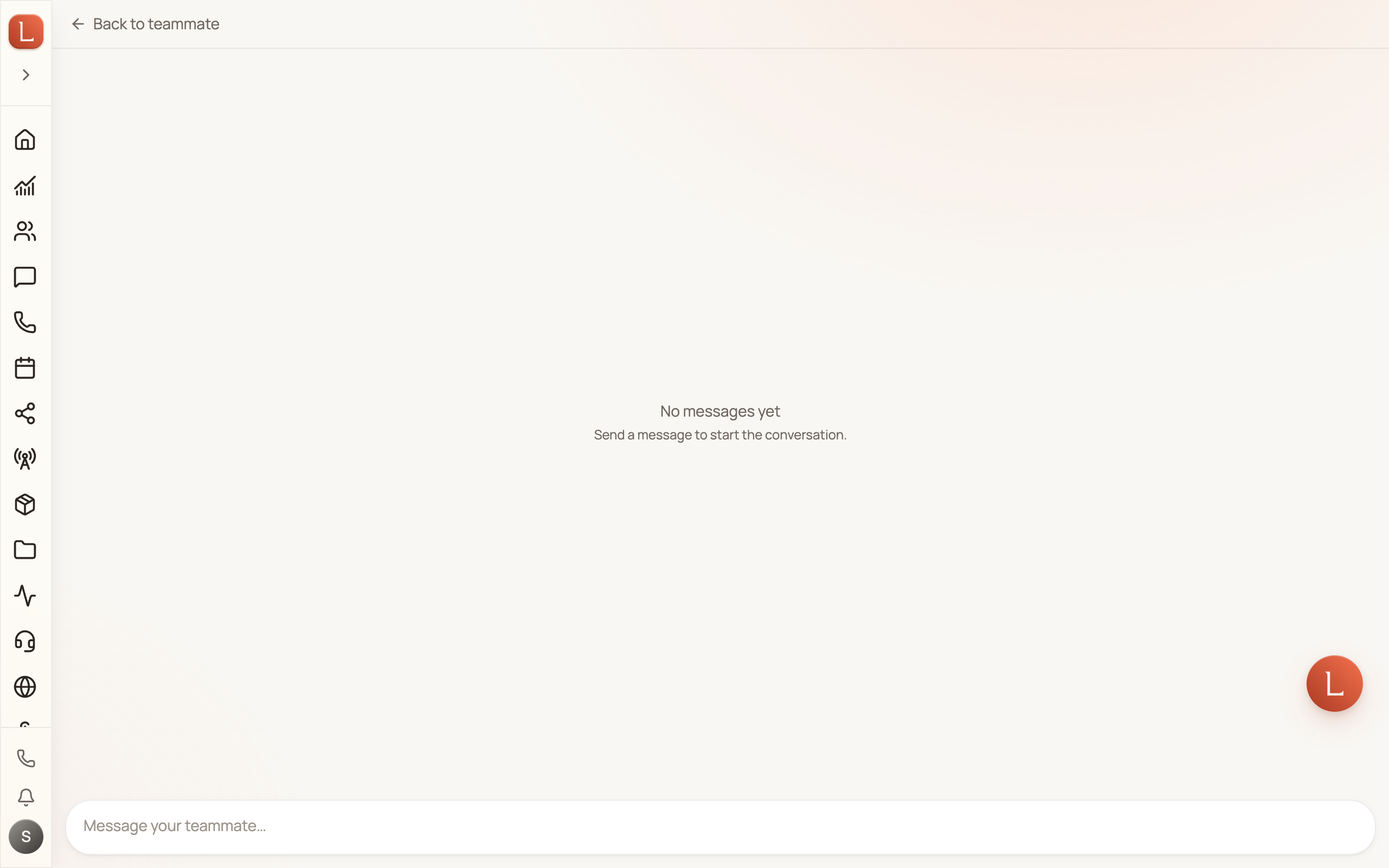
Section titled “Start a thread”A thread is one conversation with a teammate. Tap New Thread to begin. You’ll see an empty chat with a message box at the bottom that reads Send a message to start the conversation.
-
Type what you want, the way you’d tell a colleague. “Text everyone tagged VIP about Friday’s opening” or “Draft a reply to Dana about the quote.”
-
Send it. The teammate reads your request and gets to work — you’ll see a live “working” indicator while it thinks.
-
Read what it proposes. It replies with a plan, a draft, or a question. Nothing goes out to a Contact until you approve it — Suggest is the default.
The message box also has a microphone if you’d rather speak than type. Dictation turns your voice into text you can edit before you send — it never fires on its own.
Answer its questions right here
Section titled “Answer its questions right here”When a teammate hits a decision that’s yours to make, it doesn’t guess — it pauses and asks. A card headed “Your AI teammate needs you” appears at the top of the thread with a plain-language question. Tap a quick answer, pick from a short list, or type a sentence, and the teammate picks the conversation right back up.
That’s the rhythm of working with your team: you say what you want, it does the work, and it brings only the real decisions back to you. Read more in drafts, approvals, and escalations.
Shape how a teammate behaves — by chatting
Section titled “Shape how a teammate behaves — by chatting”Here’s the part that surprises people: you refine a teammate the same way you give it work. Want it warmer on the phone, or focused on booking consultations first? Just tell it, in a thread. It updates its own Persona and Goals from what you say.
Those are the two things that define a teammate: its persona (how it comes across) and its goals (what it’s trying to achieve). You can read them any time on the teammate’s Behavior tab — but you change them by talking, not by editing a text box. The tab shows you the current version; the conversation is where you tune it.
New to your team? Start with your team and your teammates, then come back and give one its first job.