
Send an SMS
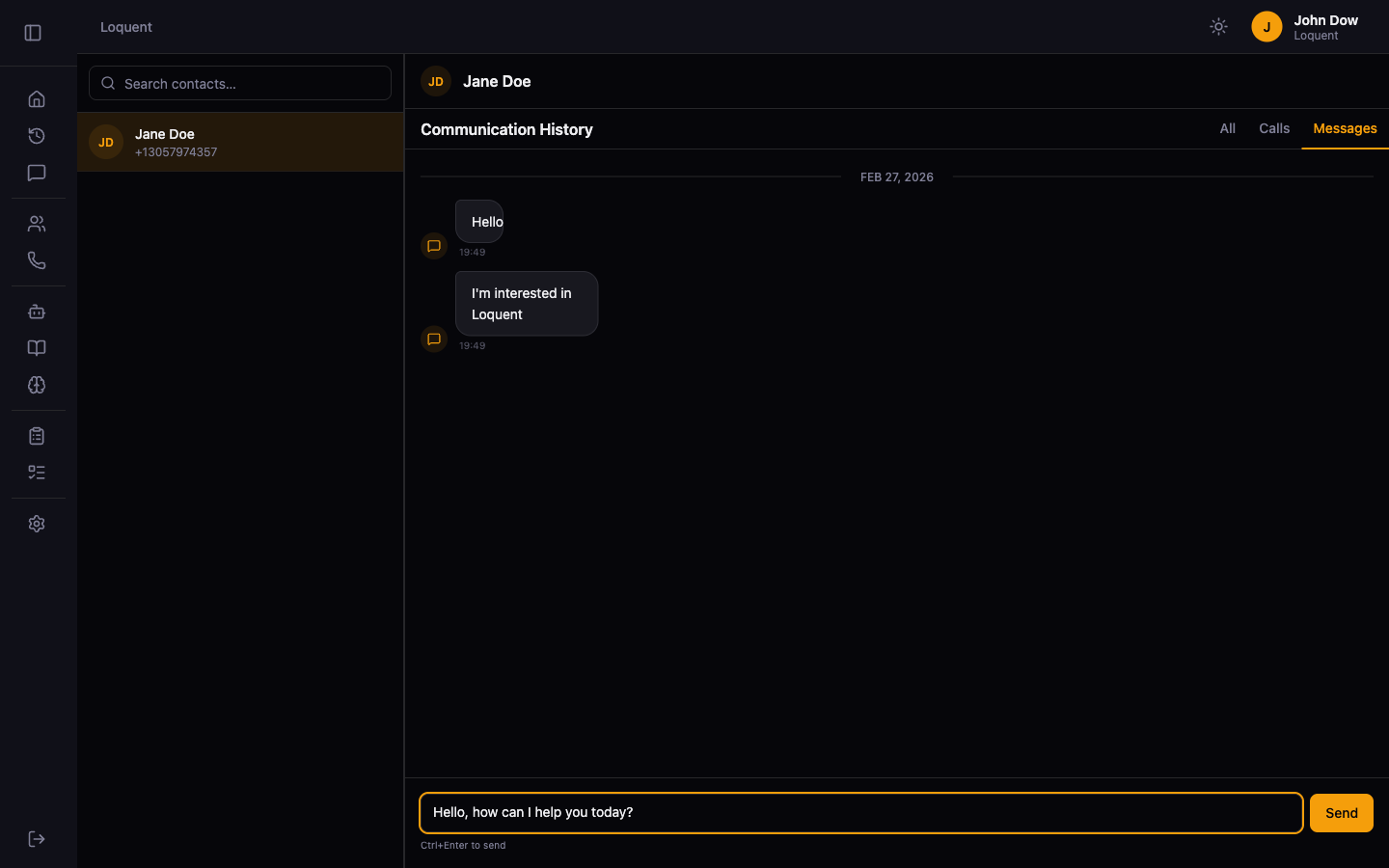
Open a contact in the Messaging Feed. Type your message in the compose bar at the bottom of the feed and press Send or hit Ctrl+Enter.
What happens after sending
Section titled “What happens after sending”The message appears in the feed immediately as an outbound message (right-aligned, amber background). Delivery status updates automatically via Twilio.
Related pages
Section titled “Related pages”- Messaging Feed — navigate your full communication history