
Manage Contacts
Open Contacts
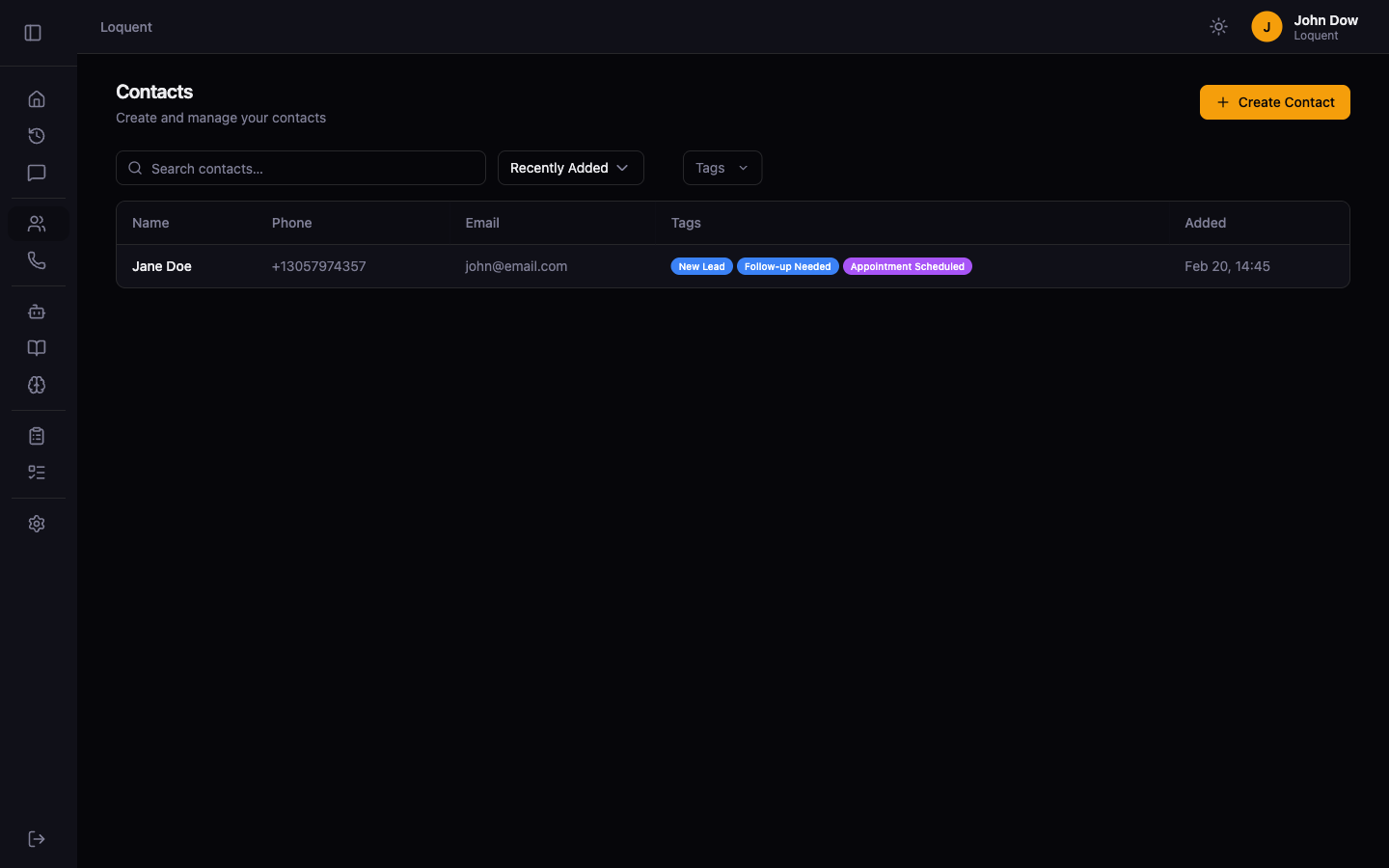
Section titled “Open Contacts”Click Contacts in the sidebar. The Contacts page lists all contacts in your organization.
Create a contact
Section titled “Create a contact”Click + Create Contact to open the contact form.
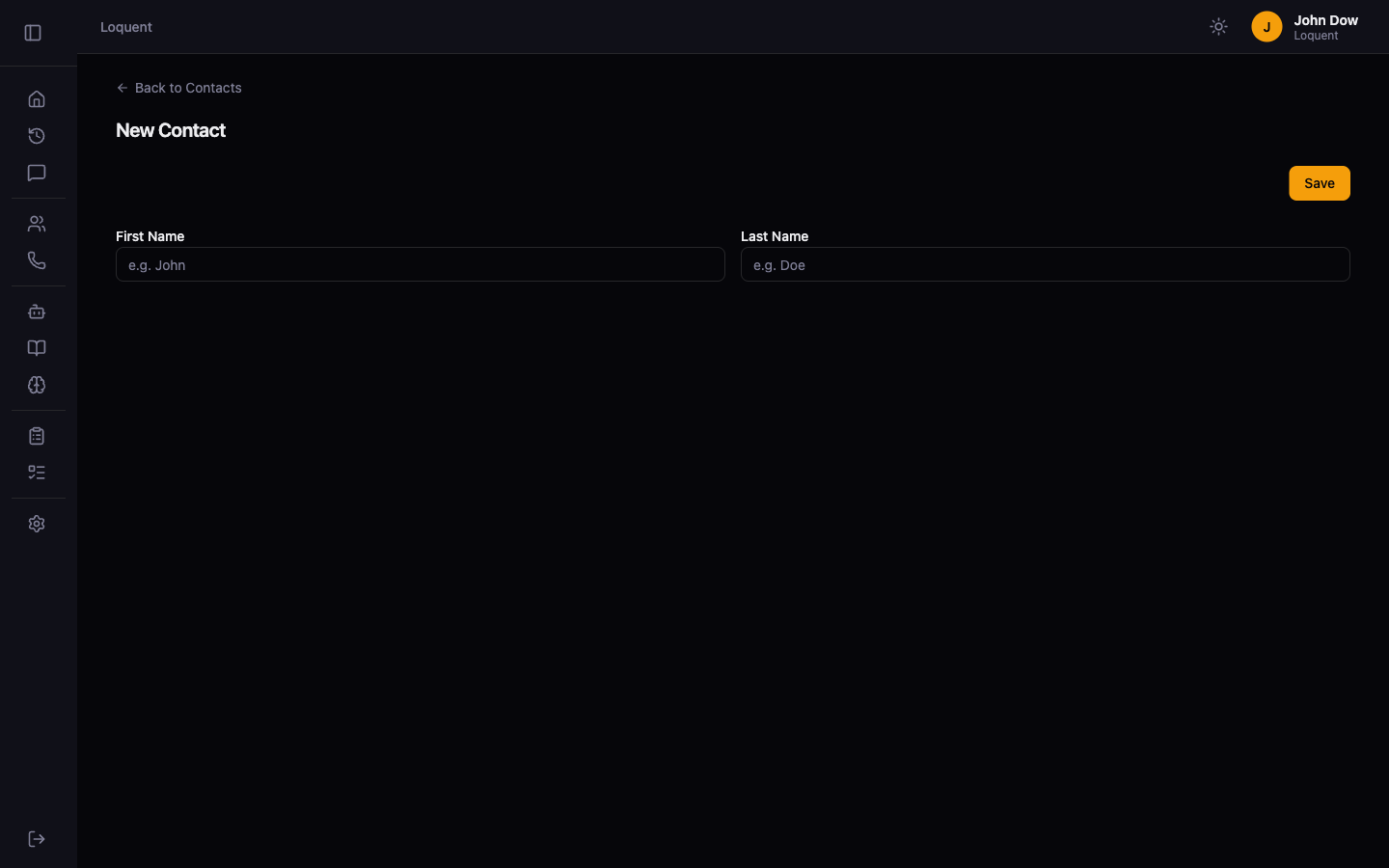
Fill in the contact fields:
| Field | Required | Description |
|---|---|---|
| First Name | Yes | The contact’s first name |
| Last Name | Yes | The contact’s last name |
Click Save to create the contact. Loquent redirects you to the Contacts list where your new contact appears.
How contacts work with calls
Section titled “How contacts work with calls”When a call comes in, Loquent matches the caller’s phone number against your contact directory. If a match is found, the agent has access to the contact’s name and history during the call. This enables more personalized conversations and helps analyzers generate richer to-do items.