
Messaging Feed
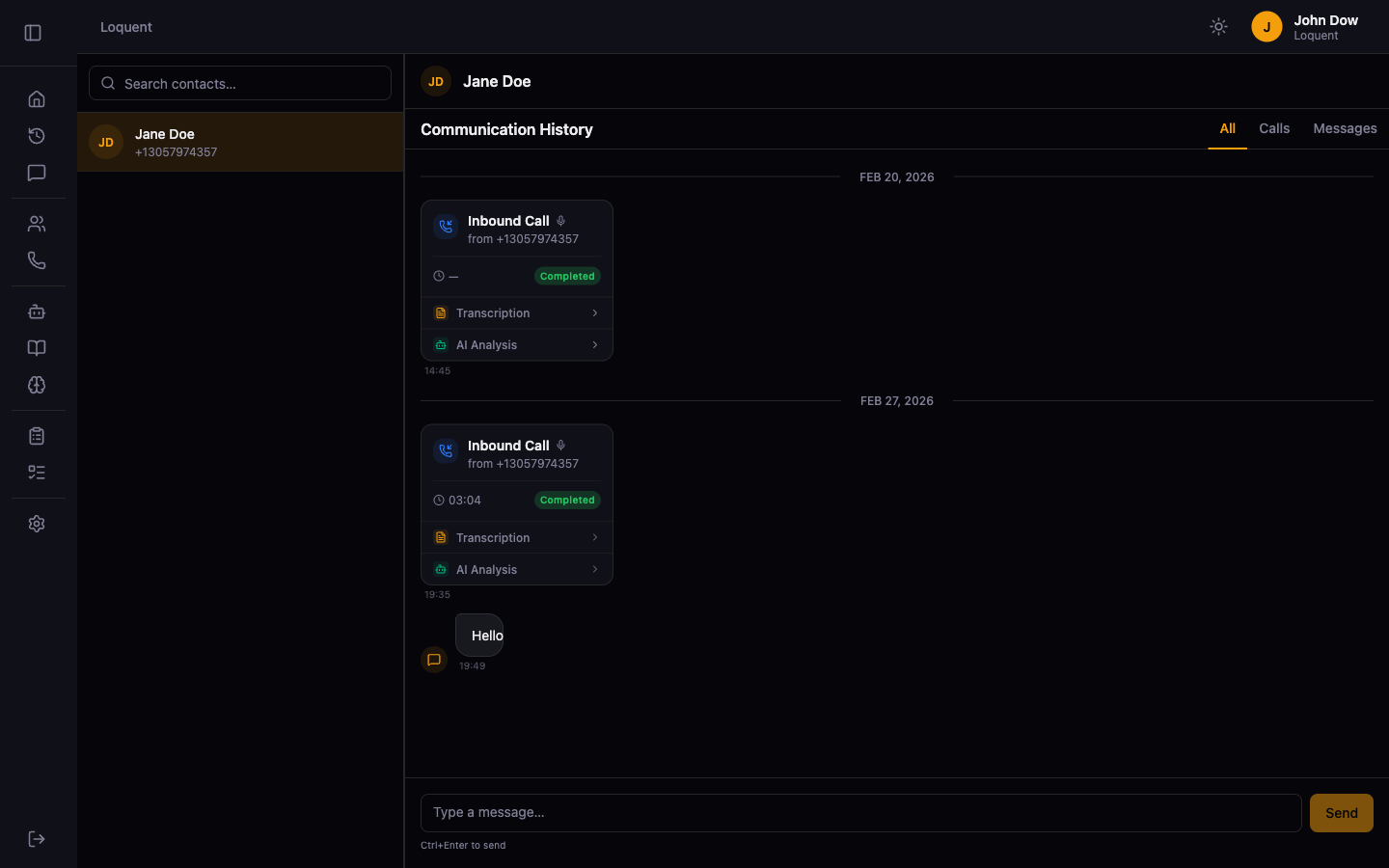
Click Messaging in the sidebar. The left panel shows all contacts you have exchanged messages or calls with. Click any contact to open their communication feed — a chronological view of every call and SMS message, grouped by date.
Filter the feed
Section titled “Filter the feed”Use the filter bar above the feed to focus on a specific type of communication:
| Filter | Shows |
|---|---|
| All | Calls and SMS messages together |
| Calls | Call cards only |
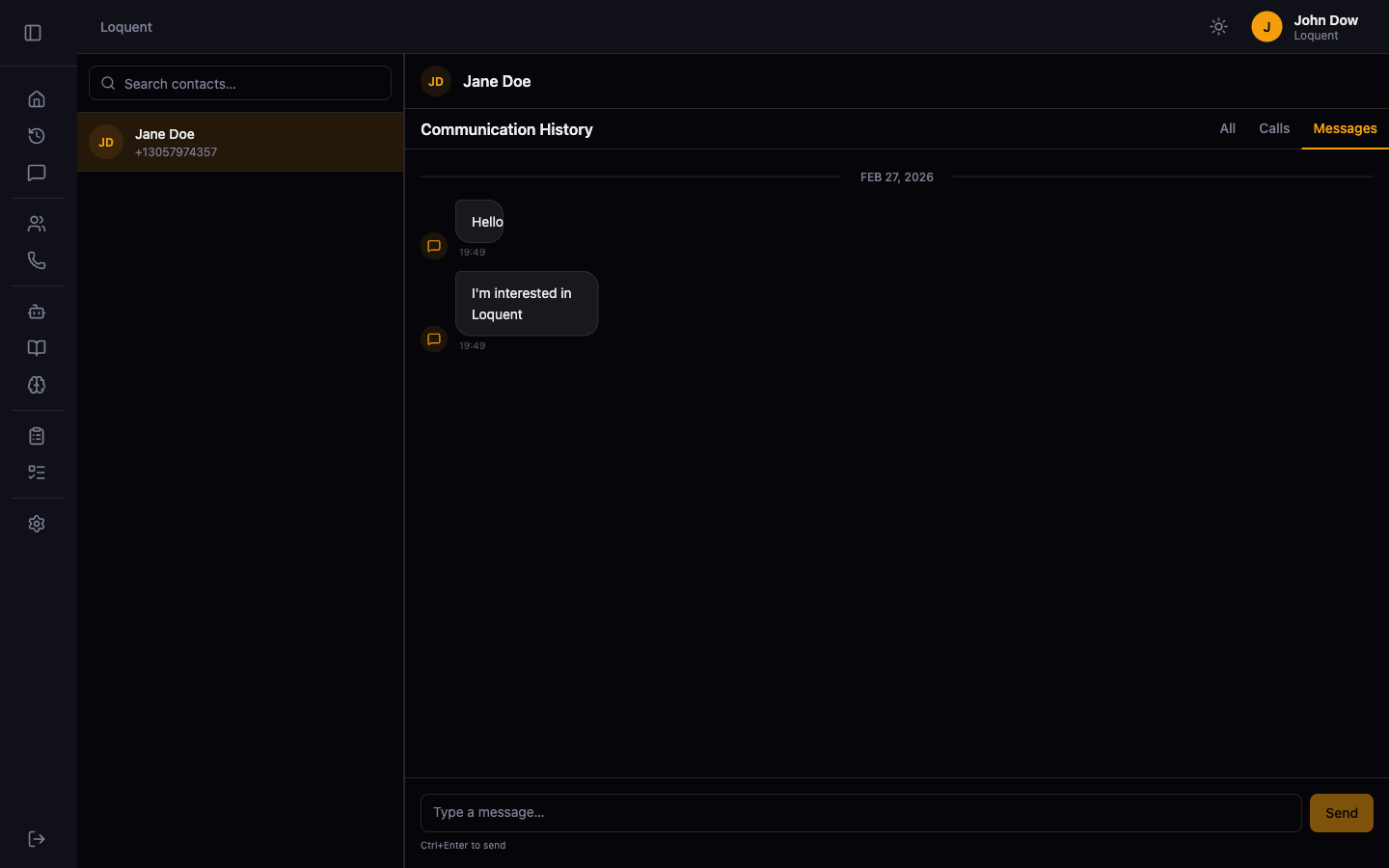
| Messages | SMS messages only |
Message bubbles
Section titled “Message bubbles”Inbound messages (received) appear on the left. Outbound messages (sent) appear on the right in amber.
Call cards
Section titled “Call cards”Calls appear inline in the feed alongside messages. Each card shows the call direction, duration, and date. Click a call card to open Call Details.
Related pages
Section titled “Related pages”- Send an SMS — compose and send a message to a contact
- Contact Details — view the full contact profile