Create an Analyzer
Open Analyzers
Section titled “Open Analyzers”Click Analyzers in the sidebar. The Analyzers page lists all analyzers in your organization. Analyzers process call transcriptions after each call to extract insights, sentiment, and action items.
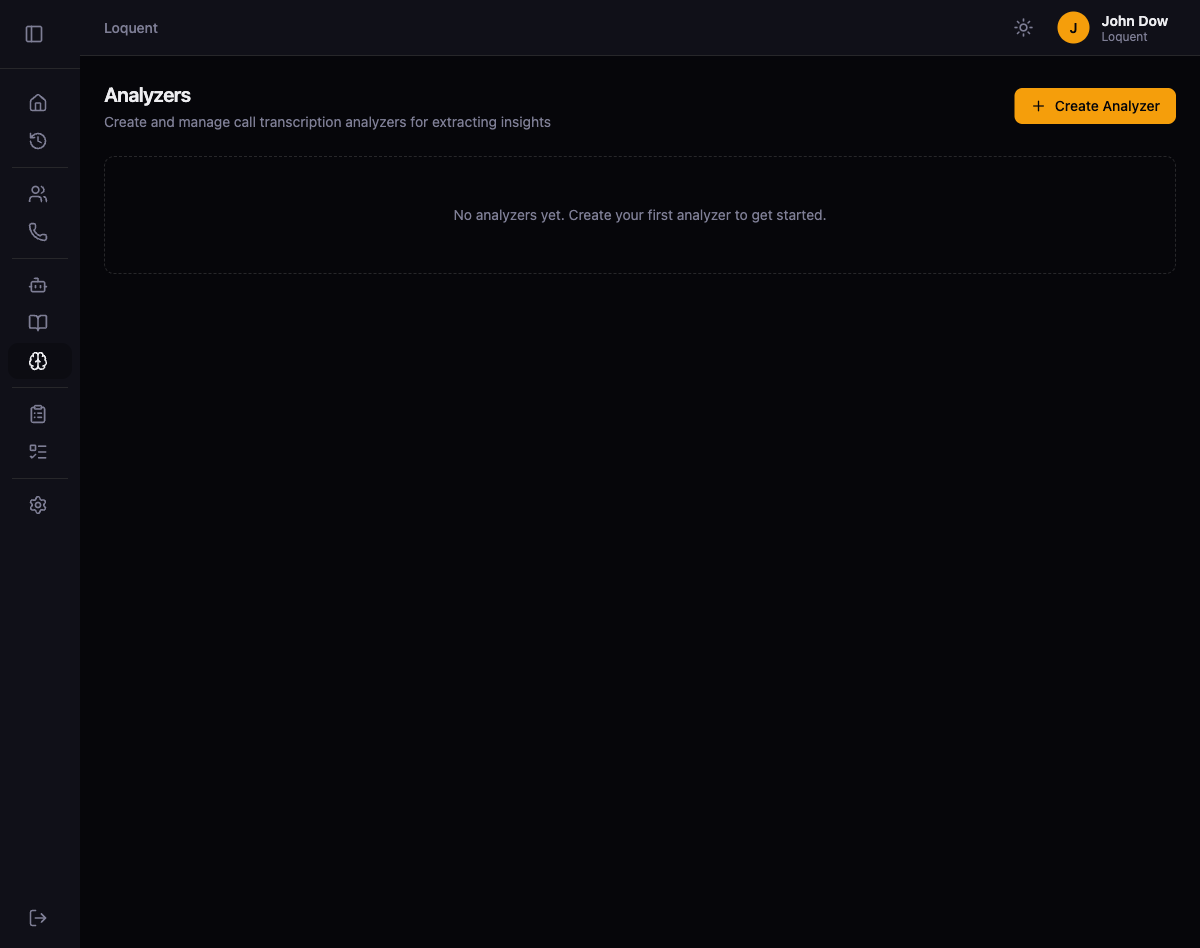
Create an analyzer
Section titled “Create an analyzer”Click + Create Analyzer to open the analyzer form.
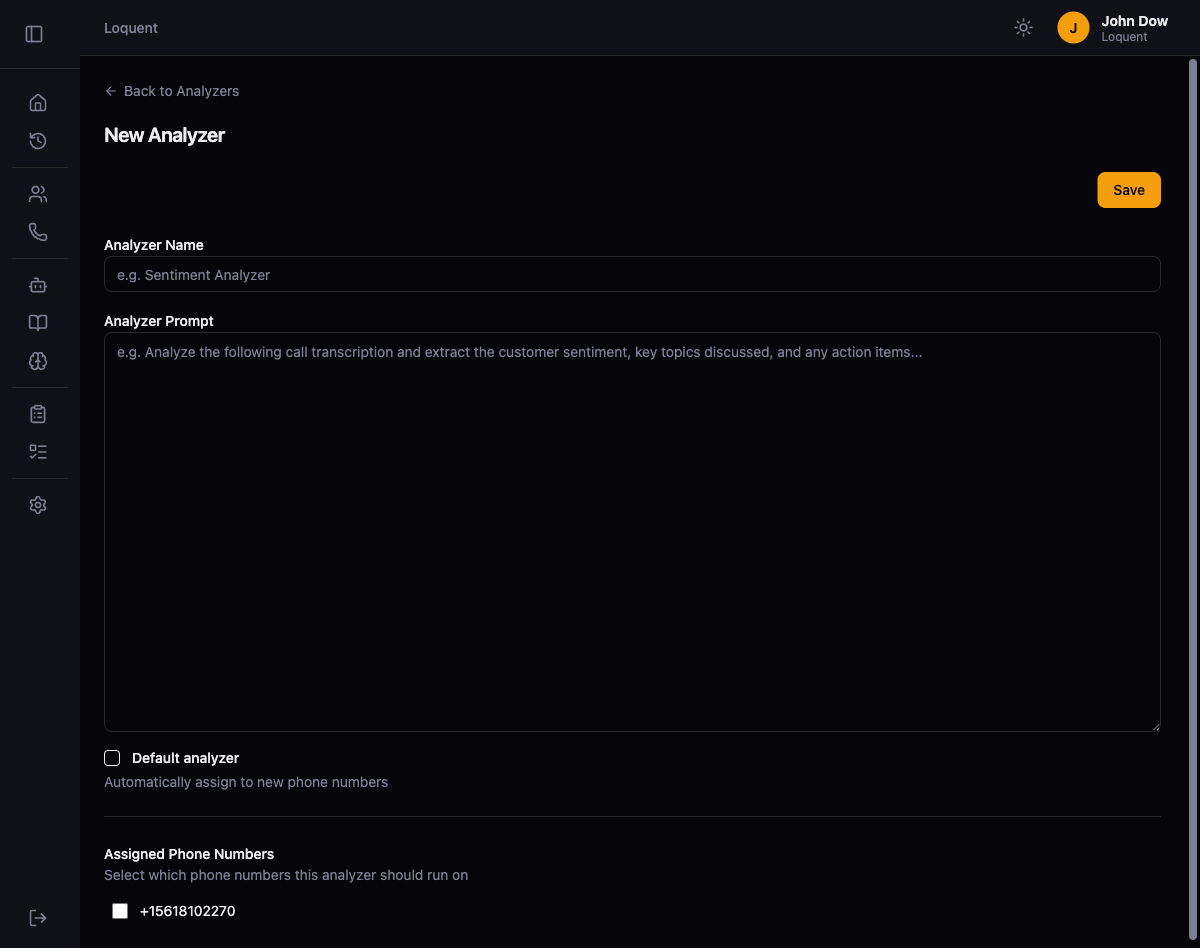
Fill in the analyzer fields:
| Field | Required | Description |
|---|---|---|
| Analyzer Name | Yes | A display name that identifies this analyzer |
| Analyzer Prompt | Yes | Instructions that tell the AI what to extract from the call transcription. Write this as a system prompt describing the analysis goals. |
| Default analyzer | No | When checked, this analyzer is automatically assigned to new phone numbers |
Assign phone numbers
Section titled “Assign phone numbers”The Assigned Phone Numbers section lists all phone numbers in your organization. Check the numbers you want this analyzer to process. After a call ends on an assigned number, Loquent sends the transcription to the analyzer for processing.
Click Save to create the analyzer.
Set up to-do types
Section titled “Set up to-do types”Analyzers work with To-Do Types to generate actionable items from calls. Click Todo Types in the sidebar to define the types of to-dos your analyzers can extract.
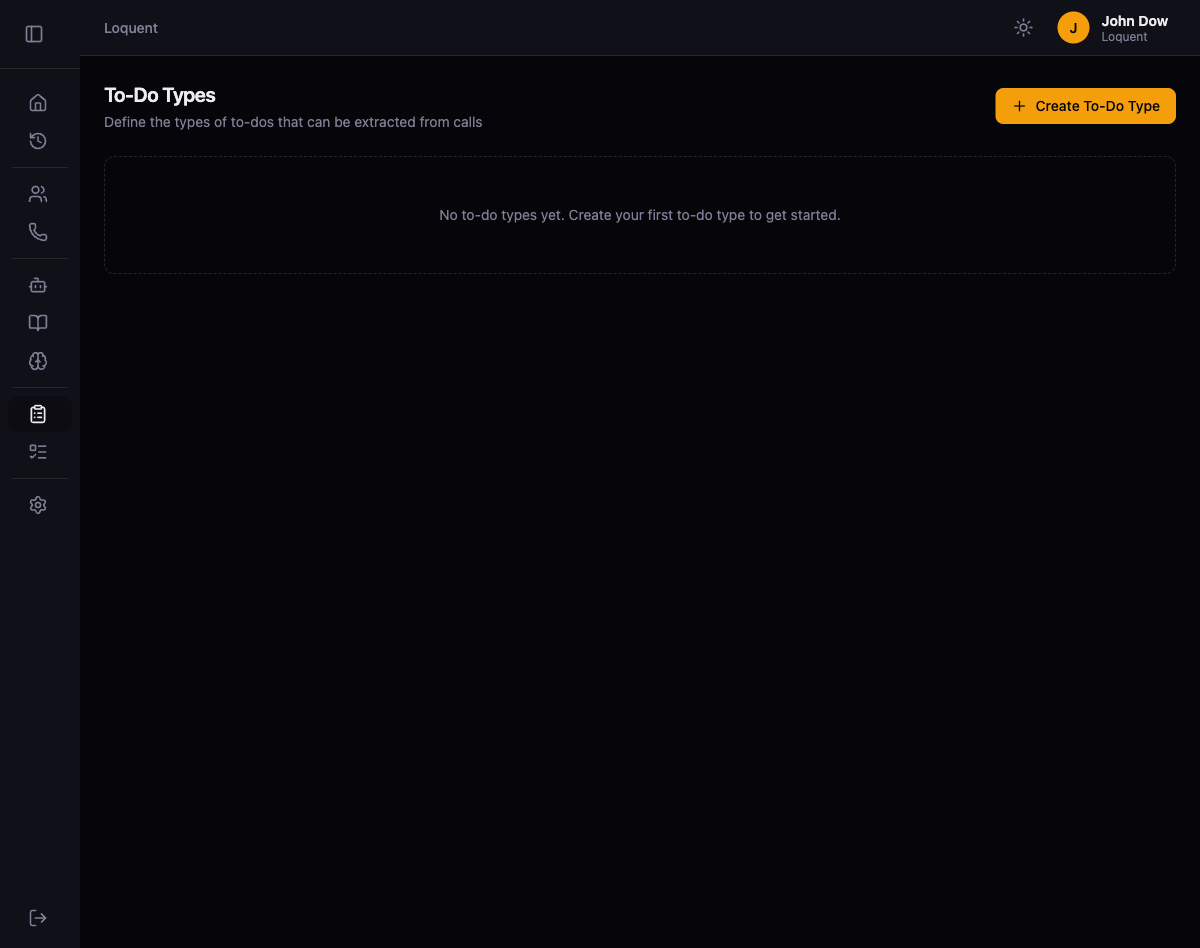
Click + Create To-Do Type to open the form.
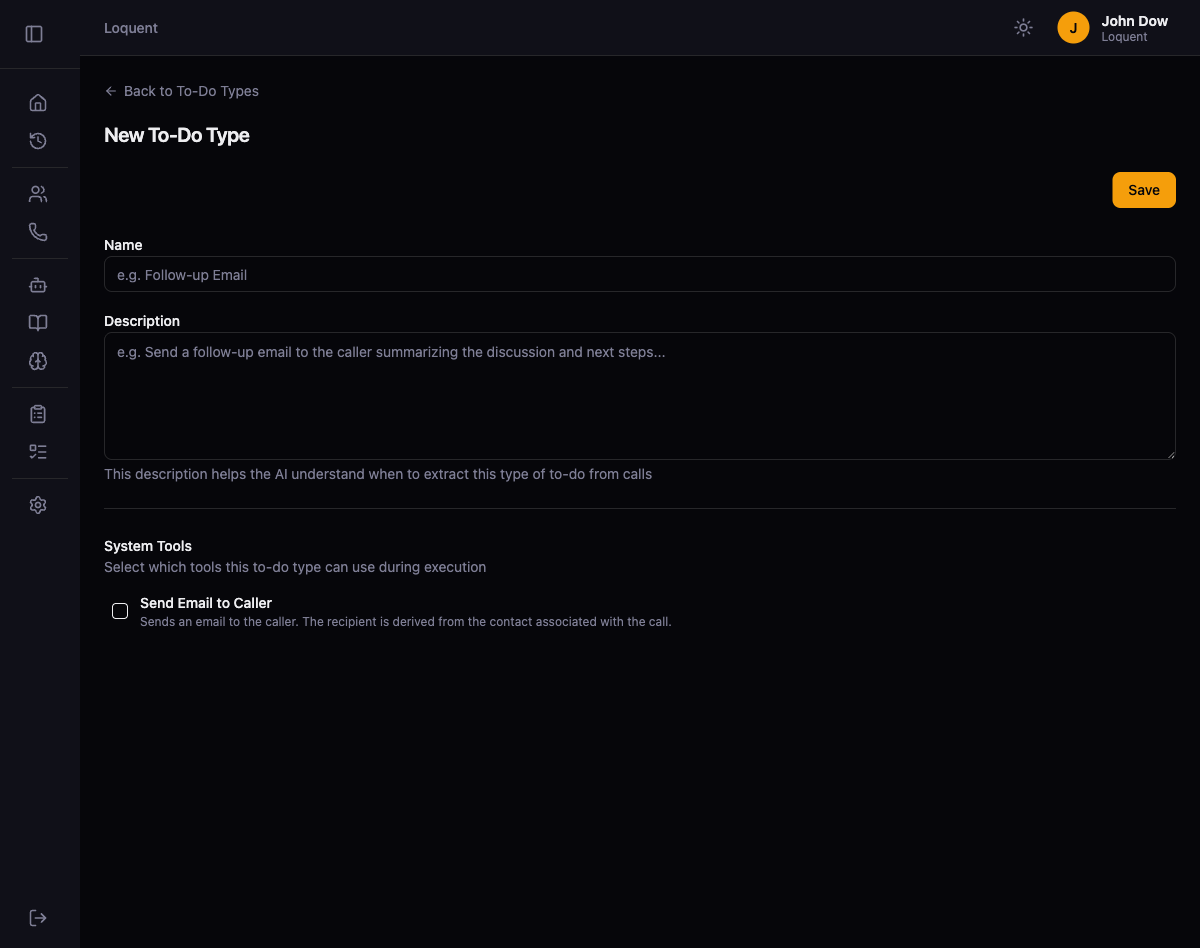
| Field | Required | Description |
|---|---|---|
| Name | Yes | A label for this to-do type (e.g., “Follow-up Email”) |
| Description | Yes | Instructions that help the AI understand when to extract this type of to-do from calls |
| System Tools | No | Actions the to-do can perform automatically, such as Send Email to Caller |
Click Save to create the to-do type.
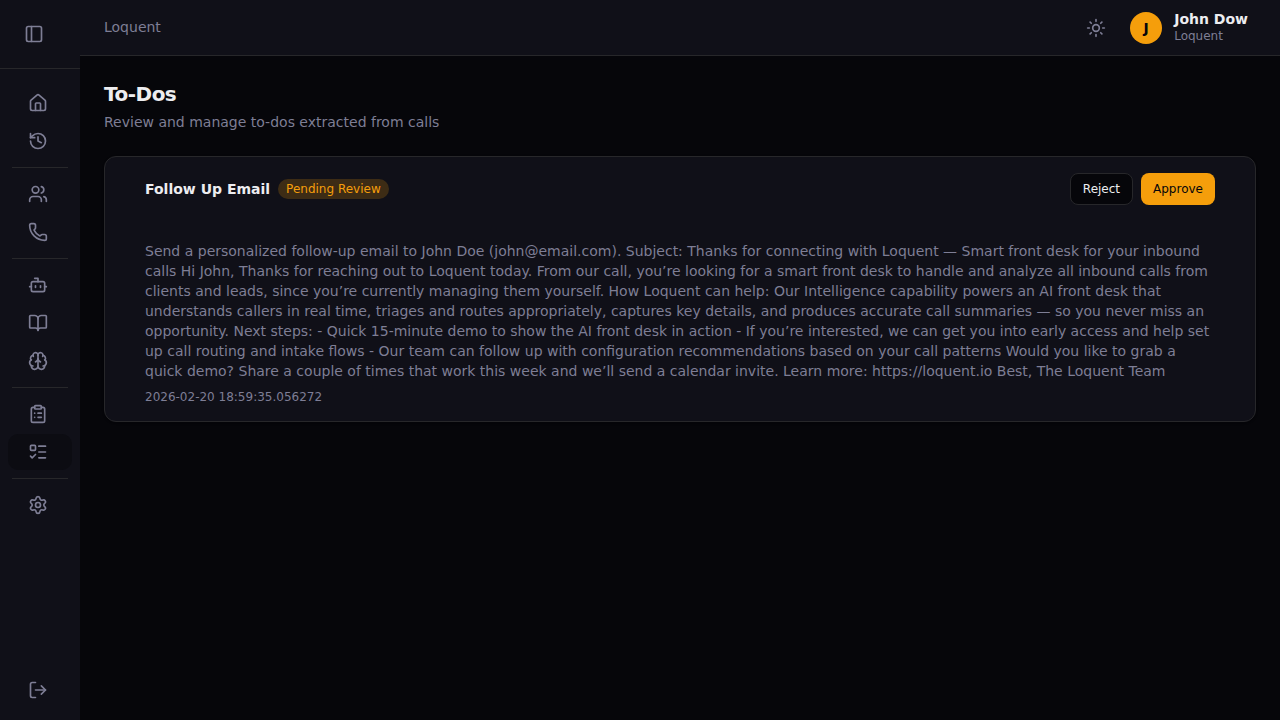
Review to-dos
Section titled “Review to-dos”Click Todos in the sidebar to view all to-dos extracted from calls. To-dos appear here automatically after analyzers process call transcriptions.